
There’s nothing quite as frustrating as watching your smartphone’s battery life dwindle faster than it used to. What was once an all-day companion now barely makes it past lunch, leaving you scrambling for an outlet or carrying a bulky power bank. This phenomenon, known as battery degradation, isn’t just an annoyance; it impacts your phone’s performance, slows down apps, and ultimately forces you to consider an expensive replacement sooner than you’d like. It’s a common issue that affects nearly every smartphone user.
The good news? You don’t need to be a tech wizard or pay for costly professional services to significantly slow down this process. With a few simple, DIY-friendly adjustments to your charging habits and phone usage, you can extend your smartphone’s battery health and keep it performing optimally for much longer. We’re here to guide you through practical steps you can implement today, without any special tools or expert knowledge.
Key Takeaways for Battery Longevity:
- Keep your battery charge between 20% and 80% as much as possible.
- Protect your phone from extreme heat, especially while charging.
- Always use quality, certified chargers and cables.
- Optimize your phone’s software settings to reduce unnecessary battery drain.
- Avoid intensive tasks that generate heat, particularly when charging.
Step 1: Master the 20-80% Charging Rule
The single most impactful change you can make to prevent smartphone battery degradation is adopting the 20-80% charging rule. Lithium-ion batteries, like those in your smartphone, experience the most stress when they are fully charged to 100% or completely drained to 0%. Constantly pushing them to these extremes accelerates wear and tear on the battery’s internal chemistry.
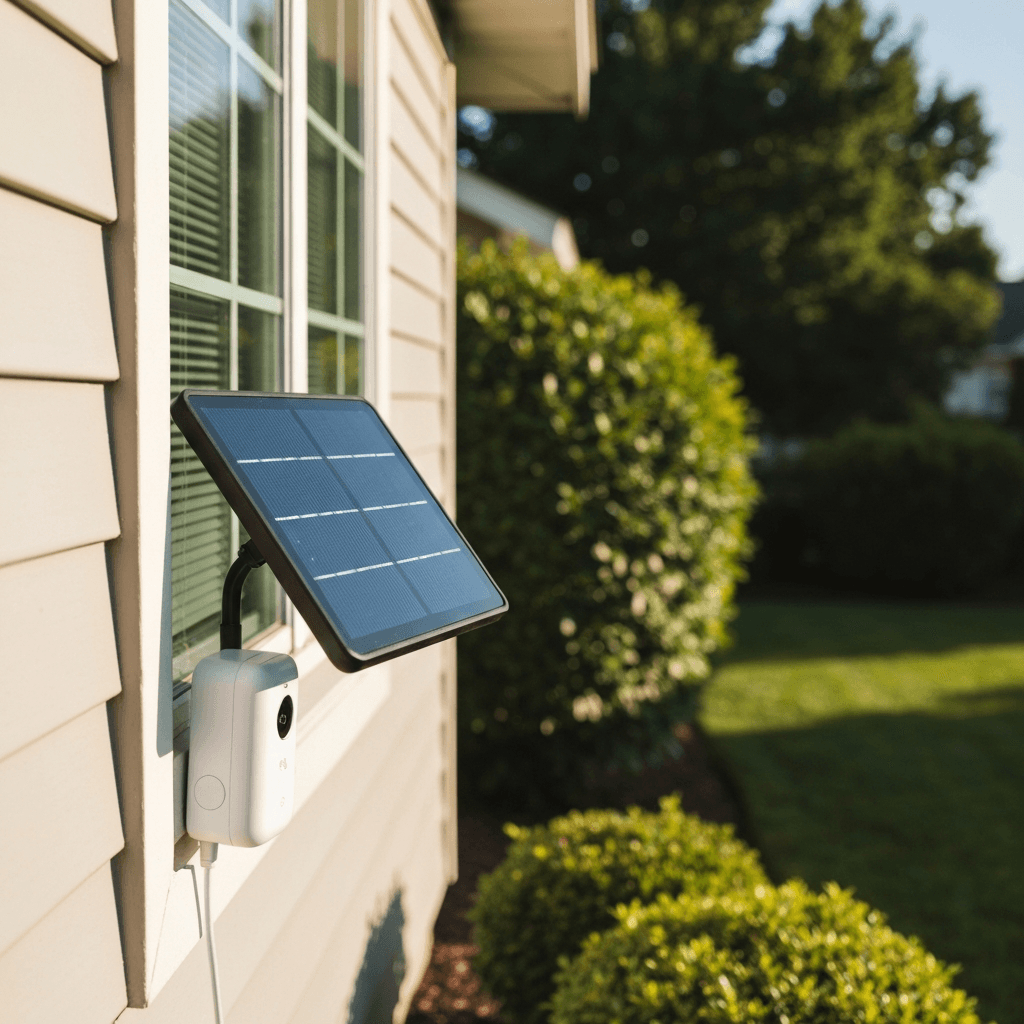
Ring Solar Panel for Stick Up Cam and Spotlight Cam Battery
We recommend this solution to resolve the issues discussed in this guide. Key highlights include:
- Provides continuous trickle charge to compatible Ring battery cameras.
- Weather-resistant design ensures durability in outdoor conditions.
- Includes an adjustable mounting bracket and a 13-foot cable for flexible installation.
Check Price on Amazon →
As an Amazon Associate we earn from qualifying purchases, at no extra cost to you.
By keeping your phone’s charge level consistently between 20% and 80%, you’re maintaining it within its “sweet spot” – a range where the battery cells are under less strain. This doesn’t mean you can never charge to 100% or let it dip below 20%, but making an effort to stay within this range for the majority of your charging cycles will significantly extend your battery’s overall lifespan. Think of it like taking a car engine for a spin versus redlining it all the time – moderate use leads to greater longevity.
- **Charge Frequently, but Briefly:** Instead of one long charge, consider several shorter charges throughout the day.
- **Avoid Overnight Charging (Mostly):** While modern phones have charge management, prolonged 100% charge states still contribute to degradation. If you must charge overnight, consider using a smart plug or a phone setting that limits charging to 80% if available.
- **Don’t Panic at the Extremes:** If your phone occasionally hits 100% or 10%, it’s not the end of the world. The goal is consistent good habits.

Step 2: Keep Your Phone Cool and Comfortable
Heat is the enemy of lithium-ion batteries. Exposing your smartphone to high temperatures, whether from direct sunlight, a hot car, or even intensive usage, can drastically accelerate battery degradation. The chemical reactions inside the battery speed up with increased heat, leading to faster wear and tear and a permanent reduction in capacity. This effect is even more pronounced when your phone is charging, as charging itself generates some heat.
Conversely, extreme cold can also temporarily affect battery performance, causing it to drain faster or even shut down. While cold usually doesn’t cause permanent damage like heat, it’s still best to keep your phone in a moderate temperature environment. Think of your phone’s battery like a delicate organism – it thrives in comfortable, room-like temperatures and suffers in harsh extremes.
- **Avoid Direct Sunlight:** Never leave your phone on a car dashboard or in direct sun, especially on a hot day.
- **Remove Cases While Charging:** If your phone case traps heat, remove it during charging, particularly if you’re fast charging or using a wireless charger, both of which can generate more heat.
- **Ventilate During Intensive Use:** If you’re gaming or streaming for long periods, ensure your phone has good airflow and isn’t covered.
- **Mind Your Pockets:** Carrying your phone in a tight pocket on a hot day can also contribute to heat buildup.

Step 3: Choose Your Chargers Wisely
It’s tempting to grab the cheapest charger or cable you can find, but when it comes to your smartphone’s battery health, quality matters immensely. Uncertified or counterfeit chargers can deliver inconsistent voltage, lack proper safety features, and may not communicate effectively with your phone’s battery management system. This can lead to inefficient charging, overheating, and ultimately, accelerated battery degradation.
Using the charger that came with your phone, or a reputable third-party charger from a well-known brand, ensures that your device is receiving power safely and efficiently. These chargers are designed to meet specific standards and often include features like overcharge protection, temperature monitoring, and intelligent power delivery. Investing in a good quality charger is a small price to pay for the longevity of your much more expensive smartphone.
To make this step easier, you’ll want a smart charger that intelligently manages power delivery and prevents overcharging. We’ve rounded up the top-rated options to save you research time.
- **Stick to Brands:** Opt for chargers and cables from your phone’s manufacturer or reputable brands like Anker, Belkin, RAVPower, etc.
- **Check for Certification:** Look for certifications like MFi (for Apple devices), USB-IF, or CE markings.
- **Avoid Damaged Cables:** Frayed or damaged cables can be dangerous and inefficient. Replace them immediately.
- **Consider Smart Charging Accessories:** Some power banks or charging hubs offer features that let you limit charging to a certain percentage, further assisting with the 20-80% rule.
Step 4: Tweak Your Settings for Battery Health
Your smartphone’s operating system offers a wealth of settings that can directly impact battery consumption and, by extension, battery health. Many features, while convenient, continuously run in the background, consuming power and generating heat, even when you’re not actively using them. By intelligently managing these settings, you can reduce unnecessary strain on your battery and extend its lifespan.
Think of it as optimizing your phone’s workload. Just as you wouldn’t leave all the lights on in your house when you’re not home, you shouldn’t let your phone run every single service and app unnecessarily. A leaner, more efficient operation means less power drawn from the battery, fewer charging cycles, and less heat generated, all contributing to better battery health over time.
- **Optimize Background App Refresh:** Limit which apps can refresh content in the background. For apps you don’t need instant updates from, turn this off.
- **Location Services:** Restrict location access to “While Using” for most apps, or “Never” for those that don’t truly need it.
- **Push Notifications:** Turn off notifications for non-essential apps. Each notification wakes your screen and uses power.
- **Dark Mode:** If your phone has an OLED screen, using dark mode can significantly reduce power consumption as black pixels are turned off.
- **Auto-Brightness:** Enable auto-brightness, but consider slightly lowering the default level to conserve power.
- **Wi-Fi vs. Cellular Data:** Wi-Fi generally consumes less power than cellular data, especially in areas with poor signal. Use Wi-Fi whenever available.
- **Battery Optimization Features:** Most operating systems (iOS and Android) have built-in battery optimization tools. Use them! They can identify and restrict power-hungry apps.
Step 5: Lighten Your Phone’s Workload
Intensive tasks, such as graphic-heavy gaming, prolonged video streaming, or using demanding apps like video editors, require significant processing power. This increased workload translates directly into higher power consumption and, critically, more heat generation. When your phone is working hard and getting warm, especially if it’s also charging simultaneously, it puts immense stress on the battery, accelerating its degradation.
While modern smartphones are designed to handle these tasks, minimizing their duration or avoiding them when your phone is already hot or charging can make a big difference. Giving your phone a break, or choosing less demanding activities when battery health is a priority, helps maintain cooler internal temperatures and reduces the overall strain on the battery’s chemical components. It’s about finding a balance between enjoying your phone’s capabilities and preserving its long-term health.
- **Avoid Gaming While Charging:** This is one of the worst combinations for battery health, as both activities generate significant heat.
- **Reduce Screen Time for Intensive Apps:** Take breaks during long gaming sessions or split up your video editing tasks.
- **Close Unused Apps:** While modern OS are good at managing background apps, truly closing apps you’re done with can prevent them from consuming residual resources.
- **Lower Graphics Settings:** If you frequently play mobile games, consider reducing the graphics quality settings to lessen the CPU/GPU workload and heat.
- **Download Content:** If you’re going to watch a long movie, download it beforehand rather than streaming it over cellular data, which is more taxing.
Step 6: Stay Updated and Optimized
Software updates aren’t just about new features or security patches; they often include crucial optimizations for battery management. Smartphone manufacturers continuously refine their operating systems to improve power efficiency, fix bugs that might cause excessive drain, and implement smarter charging algorithms. Running outdated software can mean missing out on these critical enhancements, potentially leaving your battery vulnerable to inefficient operation.
Regularly updating your phone’s operating system (iOS or Android) ensures that your device benefits from the latest advancements in battery technology and power management. These updates can help your phone run cooler, use less power for the same tasks, and charge more intelligently, all contributing to a healthier, longer-lasting battery. It’s a simple, yet often overlooked, step in comprehensive battery care.
- **Enable Automatic Updates:** Most phones allow you to enable automatic software updates overnight (when connected to Wi-Fi and charging), ensuring you always have the latest version.
- **Don’t Skip Major OS Releases:** While it might be tempting to hold off on a new OS version, these often contain the most significant battery optimizations.
- **Monitor Battery Usage:** Regularly check your phone’s battery usage stats (found in settings) to identify any rogue apps draining power excessively. Update or uninstall them if necessary.
- **Factory Reset (Rarely):** If you notice persistent, unexplained battery drain even after updates and optimizations, a factory reset can sometimes clear out software glitches that are impacting battery performance. Back up your data first!
Quick Reference Table
| Step # | Action | What You Need |
|---|---|---|
| 1 | Master the 20-80% Charging Rule | Mindfulness, optional smart plug or app |
| 2 | Keep Your Phone Cool and Comfortable | Awareness of environment, good ventilation |
| 3 | Choose Your Chargers Wisely | Quality, certified charger & cable, smart charger (optional) |
| 4 | Tweak Your Settings for Battery Health | Access to phone settings (Battery, Location, Background Refresh, Display) |
| 5 | Lighten Your Phone’s Workload | Awareness of app usage, willingness to take breaks |
| 6 | Stay Updated and Optimized | Regular software updates, occasional battery usage review |
Frequently Asked Questions
Is it really bad to charge my phone overnight?
While modern smartphones have sophisticated charging circuits that prevent overcharging once 100% is reached, keeping the battery at 100% for extended periods still puts a degree of stress on the lithium-ion cells. This constant “trickle charging” to maintain 100% can generate minor heat and accelerate degradation over time. It’s not as catastrophic as it once was, but for optimal battery health, it’s generally better to unplug once it’s near 80% or use a smart charger/plug that can cut off power. If overnight charging is your only option, it’s not the end of the world, but it’s not ideal for maximum longevity.
Does fast charging degrade battery faster?
Fast charging can generate more heat than standard charging. Since heat is a major factor in battery degradation, there is a theoretical link to faster degradation. However, modern fast charging technologies are designed with built-in safeguards to manage heat and prevent damage. For instance, many phones slow down charging speed significantly once the battery reaches 80% to reduce heat. While frequent, exclusive use of fast charging might have a very marginal impact over years, the convenience often outweighs the minimal additional degradation for most users. If you’re concerned, alternate between fast and standard charging, and always ensure your phone remains cool during the process.
How do I know if my battery is already degraded?
The most obvious sign of degradation is a noticeable reduction in how long your phone holds a charge. Other indicators include your phone shutting down unexpectedly, especially in cold weather or under heavy load, or the battery percentage fluctuating wildly. Most smartphones have built-in tools to check battery health: on iPhones, go to Settings > Battery > Battery Health & Charging (look for “Maximum Capacity”). On Android, some manufacturers include similar features in battery settings, or you can use third-party apps like AccuBattery to get more detailed insights into your battery’s current capacity and health over time.
Should I ever fully drain my battery to 0%?
No, completely draining your smartphone battery to 0% is generally not recommended for lithium-ion batteries. In fact, it’s one of the habits that can most significantly accelerate degradation. Unlike older battery technologies (like NiCd), lithium-ion batteries do not benefit from “memory effect” and do not need to be fully discharged. Repeated deep discharges put significant stress on the battery cells, reducing their overall lifespan. It’s much better to charge your phone before it gets critically low, ideally keeping it above 20% whenever possible.
Do specific apps affect battery health more than others?
Yes, absolutely. Apps that are poorly optimized, constantly run in the background, frequently use location services, or perform intensive tasks (like gaming, video editing, or social media with auto-playing videos) can consume significantly more battery power. This increased consumption leads to more frequent charging cycles and can generate more heat, both of which contribute to battery degradation. Regularly checking your phone’s battery usage statistics (usually found in your phone’s settings under “Battery”) can help you identify these power-hungry apps. You can then choose to limit their background activity, restrict their permissions, or even uninstall them if they’re not essential.
When is it time to replace my smartphone battery?
The decision to replace your smartphone battery usually comes down to performance and convenience. If your phone’s battery health (as reported by your phone, e.g., below 80% maximum capacity on an iPhone) is significantly degraded, or if you find yourself constantly needing to charge, experiencing unexpected shutdowns, or noticing a significant slowdown in phone performance, it might be time. For many, a battery replacement can breathe new life into an otherwise perfectly functional phone, saving the cost of a full device upgrade. Consult your phone’s manufacturer or a reputable repair shop for replacement options and costs.
===END CONTENT===